

A beautiful frame cannot repair a photograph that is too small, blurred or badly cropped. Choosing the right file before design begins improves facial detail, colour and print sharpness. This checklist helps you prepare photographs for single portraits, collages, calendars and personalized gifts.
What to consider before ordering
- The recipient and occasion
- The number and quality of photographs
- Available wall or table space
- Frame style, size and colour
- Personalization details and delivery date
Send the original file
The original image from the camera or phone normally contains more detail than a screenshot or social-media download. Use email, cloud storage or WhatsApp’s document option when possible to avoid compression.
Do not enlarge a tiny image manually and assume it has gained detail. Upscaling changes dimensions but cannot recreate every missing facial feature.
Check focus and motion blur
Zoom into the eyes and important facial details. If the face is already soft on screen, it will not become sharper in a larger print. Select another photograph from the same moment when available.
Low-light photographs can contain noise and colour casts. Mild correction may help, but heavily damaged files may still be unsuitable for a large frame.
Leave room for cropping
Frame openings have fixed shapes. A vertical portrait may not fit a square opening without trimming the top and bottom. Keep heads, hands and important objects away from the extreme edges.
When several people appear in the image, make sure no face will be cut off by the selected ratio.
Keep edits natural
Excessive beauty filters, artificial blur and strong colour presets can look distracting in print. Use light exposure and colour corrections while keeping skin tones realistic.
If two photographs in a collage have very different lighting, consider using black-and-white treatment for consistency.
Organise collage files clearly
Rename files in the desired order and identify the main image. Remove duplicates before sending. Provide exact names and dates in a separate message rather than embedding instructions in screenshot annotations.
Review the final proof on a large screen and check every crop, face, name and date before approval.
Recommended Gifteira options for photos for personalized frame

Burgundy Gold Table Photo Frame – 4×6
A personalized photo display that can be adapted with your selected images, names, dates and message.

Nepali Friends Color Pop Collage Frame – A4
A personalized photo display that can be adapted with your selected images, names, dates and message.
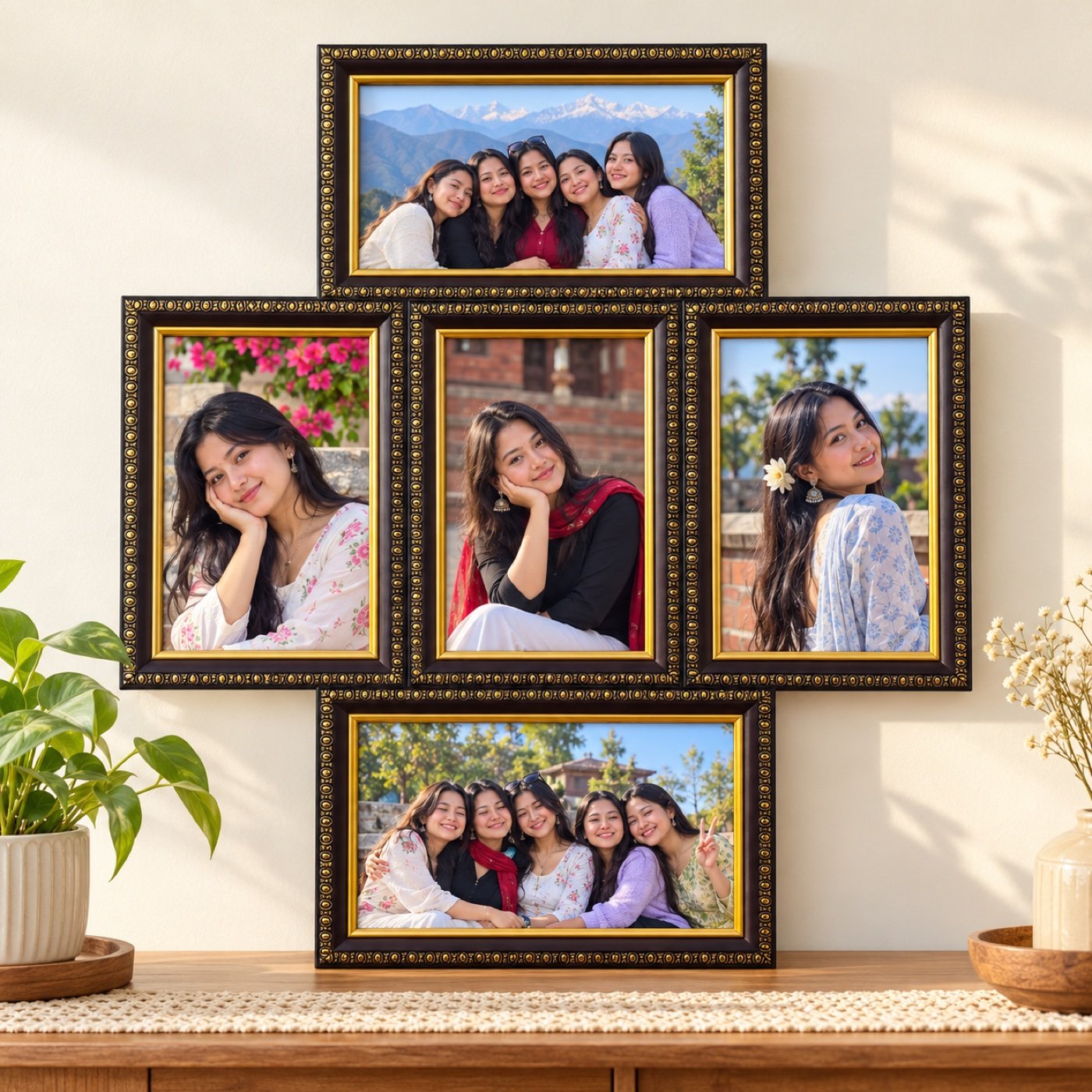
Black Gold Five-Photo Friends Collage
A personalized photo display that can be adapted with your selected images, names, dates and message.
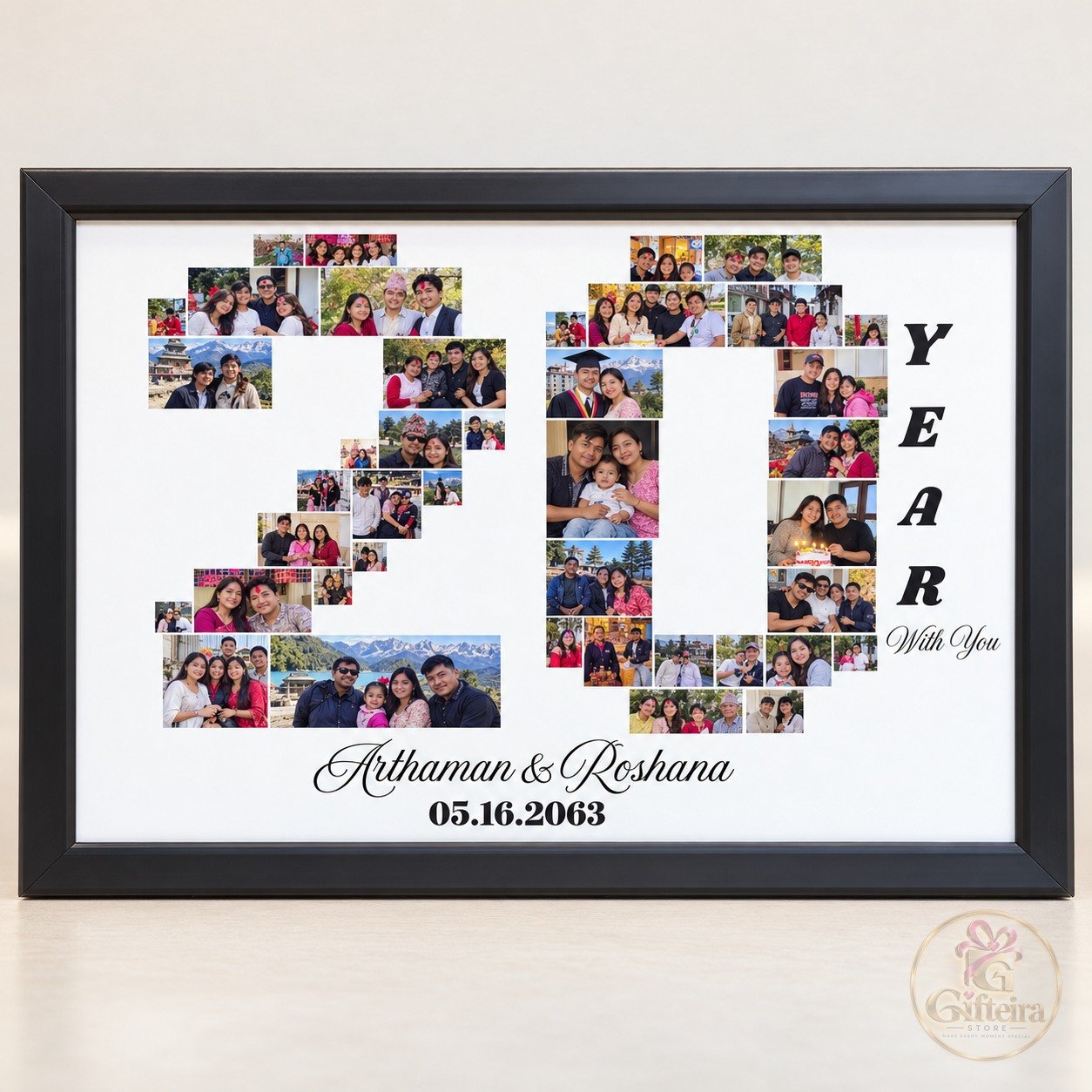
Birthday Year Memory Collage Frame – 12×18
A personalized photo display that can be adapted with your selected images, names, dates and message.

Personalized Waterproof Unbreakable Lamination Photo Panel
A personalized photo display that can be adapted with your selected images, names, dates and message.
How to order a personalized frame
- Choose the design and size on Gifteira.
- Prepare the original photograph files and exact personalization text.
- Enter a complete Nepal delivery address and working phone number.
- Review the design proof carefully, including every crop, name and date.
- Confirm the design and keep the order details for delivery follow-up.
Frequently asked questions
Are screenshots acceptable for printing?
They may work for small prints, but the original file is safer and usually sharper.
How many photos should I send for a five-photo collage?
Send the five selected originals plus at most a few clearly marked alternatives. Too many unlabelled files can create confusion.
Can a dark photo be fixed?
Minor exposure problems may be improved, but strong blur, missing detail and severe noise cannot always be repaired convincingly.
Choose a gift that preserves the story
The strongest photos for personalized frame are clear about whose memory they preserve and where the finished piece will be displayed. Start with good photographs, keep personalization accurate and select a frame that supports the story instead of competing with it. Browse the Gifteira shop for current designs and sizes.